Tool screenshot
Script interface preview
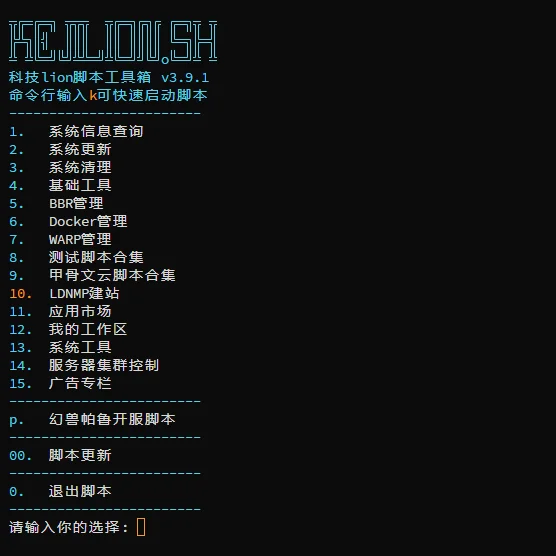
Manage your Linux server with a single command. System optimization, Docker, web tools, and network acceleration.No professional knowledge required, easy for beginners.
Below are the core feature modules of kejilion.sh, continuously updated.
One-click OS parameters, repo mirrors, timezones, and tools.
Auto-install Docker and deploy containers with ease.
Quickly set up WordPress, reverse proxy, and SSL.
BBR acceleration and network optimization at your fingertips.
Firewall config, SSH hardening, and auto-updates.
Performance testing, speed test, and resource monitoring.
Connect to your Linux server via SSH (Termius/FinalShell recommended).
Paste the one-click command in terminal and hit Enter.
Follow the menu prompts and enter the corresponding number to complete each action. Simple and beginner-friendly.